Friday, August 01, 2008

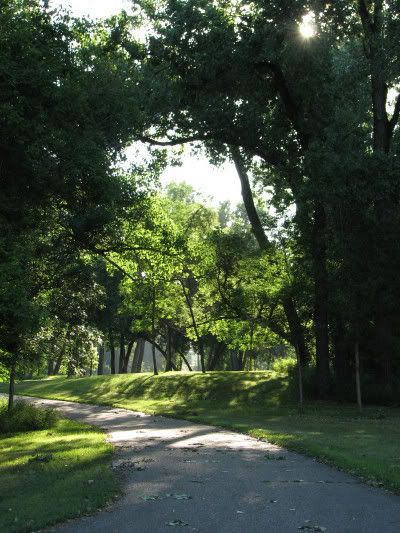
Morning Photo Walk

Where I went for a morning photo walk today.


It was a fabulous summer morning out there. Cool 50's and not muggy. Yay.

Yeah, I know those early morning shots of trees and sky are too high contrast to expose adequately, but I just love them anyways. The lighting is so dramatic and capture a mood.

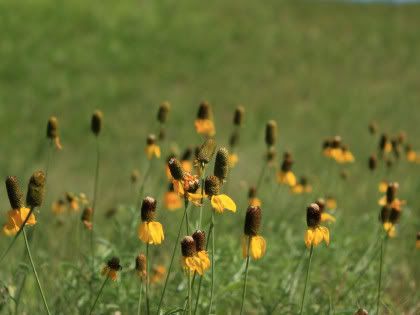
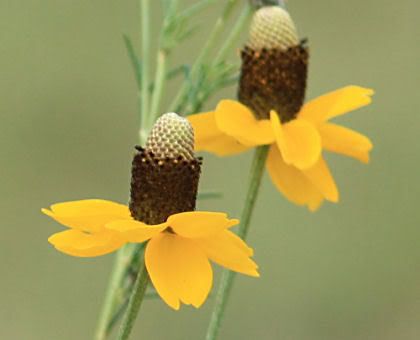
Yellow Cone Flowers


I have wonderful yellow cone flowers in my back yard, so we can't mow the lawn now. HA

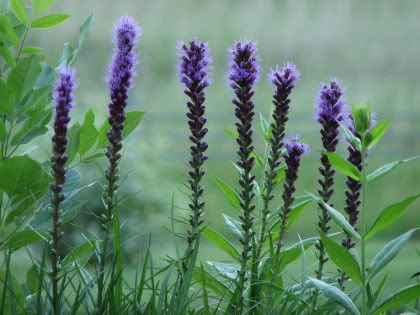
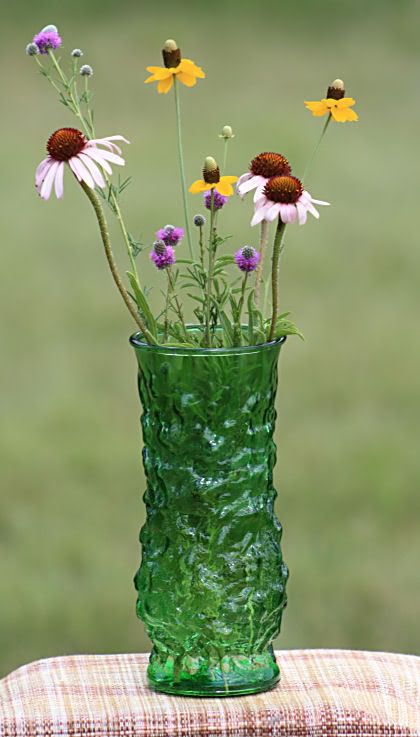
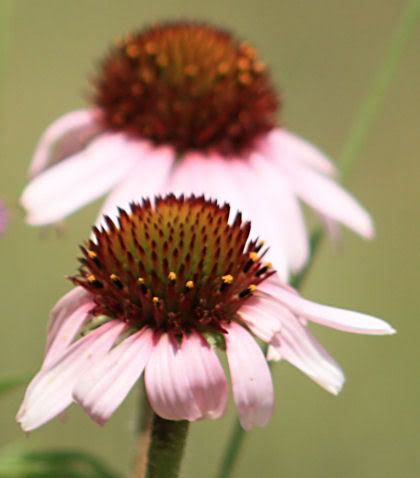
Purple Flowers


I sure like these purple flowers, but don't know what they are. In a burst of inspiration I tried a new angle and I liked the composition. It's difficult to take because of the direction of the sun. But one day I happened to catch the scene right before the sun came up over the hill behind them.

Purple flowers, like rocks, look best with a cool tone (white balance) instead of warm. Also I think purple flowers, like white flowers, might be best shot on a cloudy day. Better color rendering. Purple can be a difficult color to get correct in-camera. I often get blue instead of purple in-camera. The color fuchsia or hot deep pink is difficult too (just pink is ok). So is a wine color. A hot deep pink and a maroon wine are often rendered red in-camera,no matter what white balance I use.

UPDATE 25 Oct 08:
The flowers are purple liatris.

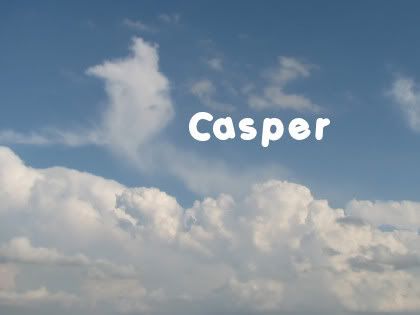
More Cloud Shapes

Clouds are fun. We get the most interesting clouds in the late afternoon or early evening.


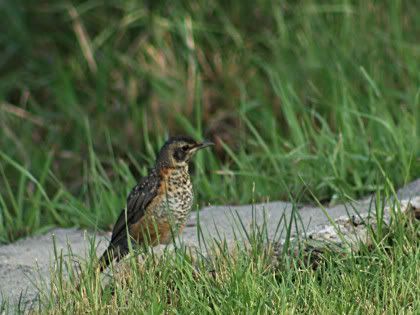
Can't ID This bird

Here's a bird I caught with my XSi and tele, different area, but same day as the hawk and eagles. I'm sure getting lots of bird photos this year. It's what shows up for the photo shoots.

Can't ID for sure, but I think it's some kind of thrush maybe?


20 Jul 09:
Could be a juvenile robin.
Google Images
And:
"The Juvenile American Robin’s underparts are tinged with cinnamon and heavily spotted with brown."

Kingbird Returns

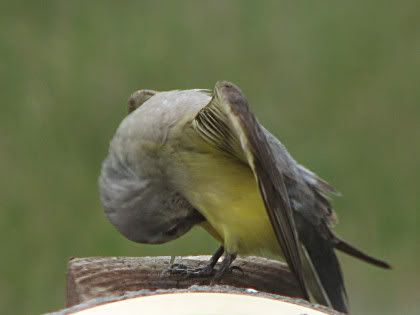
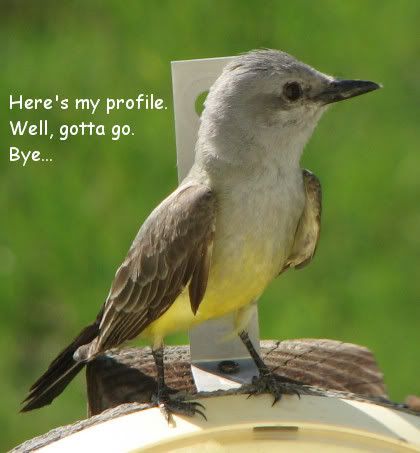
That kingbird returned for an evening visit once again. I had the bracket removed from the outdoor temperature gauge, so I got better pictures of him now. Ones without that ugly bracket behind his head.

Here's a funny pose.


Looks like he's checking things out down below, hey hey. He had an itch that needed scratching or something.

NOTE: Another Kingbird pic here.

Mourning Dove at Sunrise


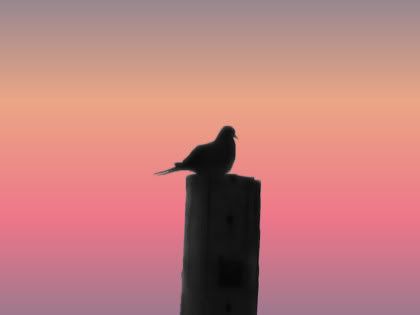
A mourning dove has gotten in the habit of sitting on our power line pole and singing every morning at sunrise. Terrible backlit and low light situation but I try anyway. Him and I played this little get closer game for a few mornings. I was trying to see if he'd acclimate to my presence, so I can get closer. Not. He had a clear boundary and stuck to it every time.

It is interesting to watch him when he coos. His chest puffs out and his tails bobs up and down when he's perched on the wire instead of the pole. It looks like he wags his tail. It made me laugh.

So anyway, crappy pictures, really. But I thought maybe I could turn it into a silhouette and add a different background. Something minimalistic with a sunrise tone to it to capture the same mood. I found a gradient that seemed to do it.

The nest? Abandoned. No sign of eggs or babies. Don't know what happened. Maybe the morning cooing is a mourning song.

More mourning dove pics here.

Sunday, July 20, 2008

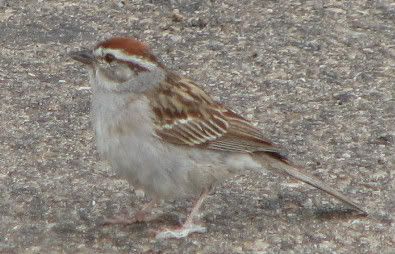
Chipping Sparrow


LINKS:
at enature
at cornell

Songbirds of North Dakota
Sparrows
Chipping Sparrow

UPDATE:
Here

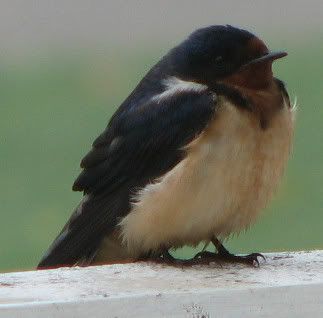
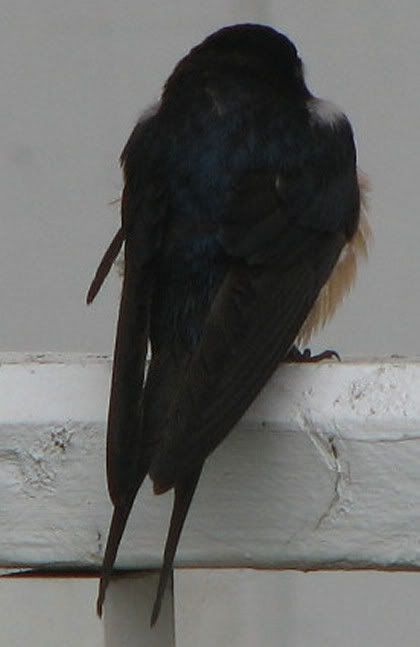
Barn Swallow


Juvenile?
Cornell says:
"Juvenile looks similar to adult, but tail shorter and less forked. Underparts paler."

It sure doesn't look like the pic at Cornell. This little fellow looked pretty rough. Maybe it was the damp weather (See note below).

See also enature.

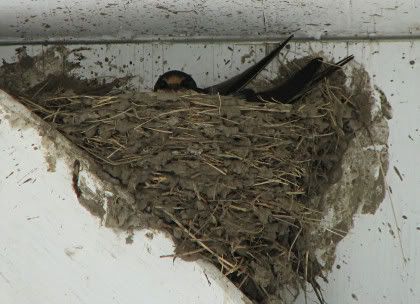
He was standing guard by the nest up above him.


Barn Swallows
Northern Prairie Wildlife Research Center

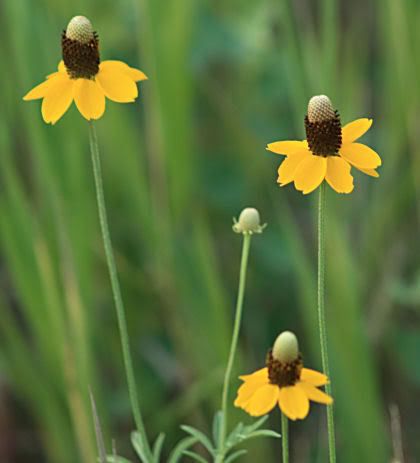
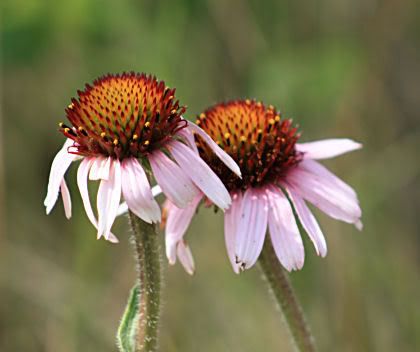
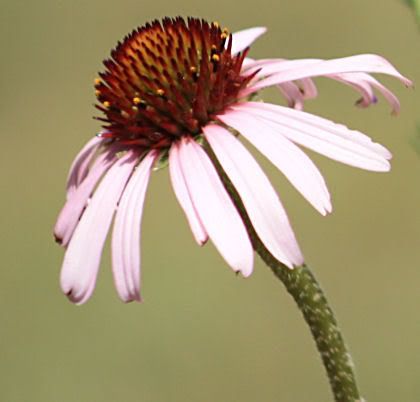
Coneflowers on the Prairie

From the field:


LINKS:

Native Wildflowers of the North Dakota Grasslands

Prairie Coneflower (Ratibida columnifera)

Purple Coneflower (Echinacea angustifolia)

Purple Prairie Clover (Dalea purpureum)
(This was that little purple flower in the vase photo.)

Thursday, July 17, 2008

Flew In For A Photo Shoot

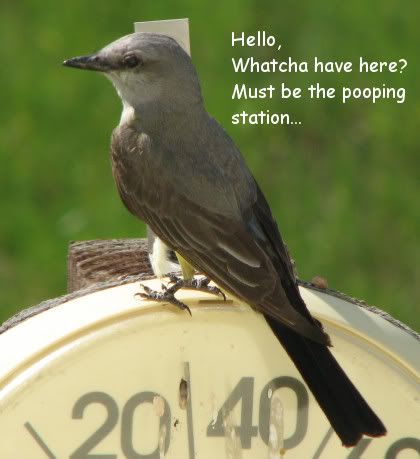
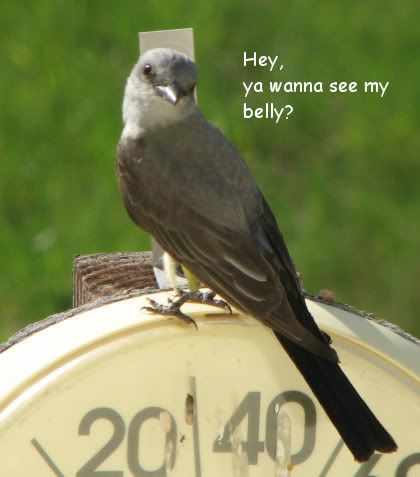
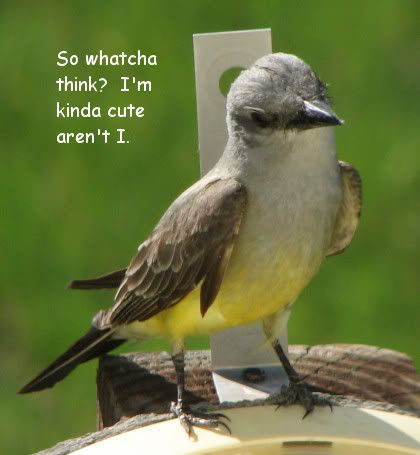
Look who flew in for a photo shoot. I mentioned before that birds like to perch and poop on our outdoor temperature gauge. Usually they fly off before I have time to grab my camera. Tonight, this one just stayed and stayed. I got 24 good shots of him. Very unusual.


What kind of bird is he? Some kind of Warbler? or Flycatcher? Kingbird? I'm not sure, but I think maybe it's a Western Kingbird.
I've definitely heard that sound around here.

On the Net - Western Kingbird:
at enature
at cornell

NOTE:
See also Kingbird Returns
and
Picturesque

21 Jul 09:
Junior flew in a year later - here.

Sunday, July 06, 2008

Mourning Dove Close Up


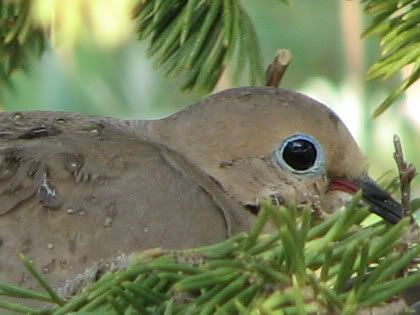
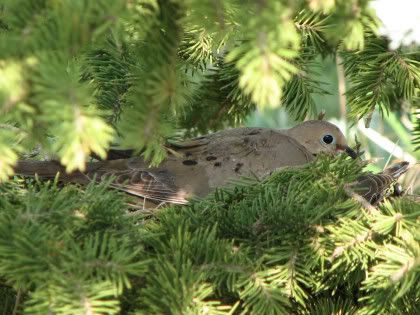
This is as close up to a mourning dove I'll ever get. (Original size, crop, no sharpen.) Incubating those eggs in one of our evergreen trees. I didn't realize it at the time, but it looks like there were two on the nest instead of just one? There's a tail on the right side.


I did use the zoom, so I wouldn't have to stand too close, and cause them even more stress by my presence.

At Cornell it says:
"A Mourning Dove pair rarely leaves its eggs unattended. The male usually incubates from midmorning until late afternoon, and the female sits the rest of the day and night."

The pic was taken early morning with my S3 IS 12x zoom Canon.

More mourning dove pics
here
and
here

Friday, July 04, 2008

Coleslaw Recipe


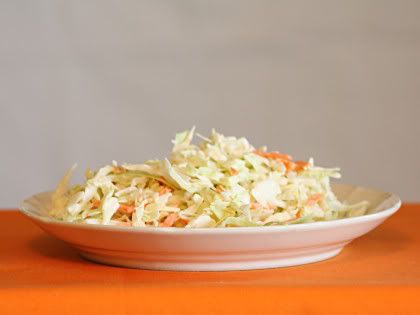
And here we have a crappy tripod picture of coleslaw.

Actually, I'm posting this because I always use the coleslaw recipe on the package of shredded cabbage I buy at the store and today no recipe on the package!

So now the recipe will be on my blog where I can always find it.

Coleslaw recipe
1/2 cup mayonnaise (I use light)
2 T milk
1 T white vinegar
1/2 tsp sugar
1 package (16 oz.) shredded cabbage

NOTE: I put extra sugar in it because I like it sweeter. I also don't mix the dressing in with the cabbage. I use it as a salad dressing on the side. Why? Because if we have leftovers, after a day, it gets watery and soggy.

Wednesday, June 25, 2008

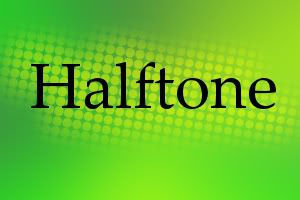
Halftones and Textures


Idea from: graphicdesignforum

After reading that tutorial/article, I got the idea of just creating a fuzzy soft drop shadow on a separate layer, selecting it, then applying the halftone effect to the background gradient layer. It worked and I like the look (image above). It's just a fast easy way to create an imperfect feathered selection around the text and then adding something to it.

Why not apply something else, like a texture? I like that too.

Monday, June 16, 2008

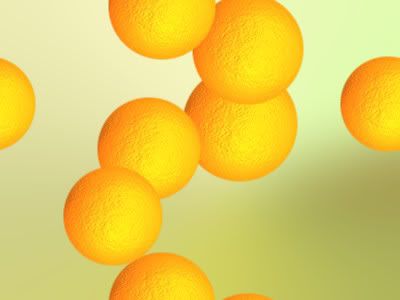
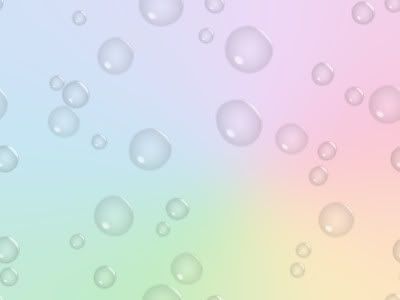
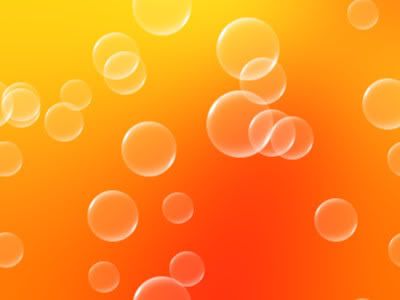
Balls and Bubbles

When I was trying to create bokeh in Paint Shop Pro 9, I was playing around with the Balls and Bubbles effect and created some images I liked.

The backgrounds were radial style gradients gaussian blurred like the bokeh images were. See previous post.

I discovered there is a newer preset (version X of PSP) for making oranges in Balls and Bubbles that is WAY better than the old preset, which I blogged about a while back. Link to previous Orange.

Image Creations:

Here's that Orange preset, tweaked to create multiple oranges instead of just one.


Water Drops Preset, tweaked and warped with that Warp Brush mentioned in my bokeh post, so they didn't look so perfect.


This one was a Green Bubbles Preset. I changed the color to white.


NOTE:
Paint Shop Pro stuff is getting harder and harder to find online. It is not very popular anymore since Corel bought it from Jasc. Version 9 is the best version and it is old. I often get my own blog links when I google the topic! So I know that can't be very popular when my own blog shows up as a top result in a google search! LOL

Bokeh With Paint Shop Pro

I've been trying different methods for making bokeh in Paint Shop Pro 9 (PSP9).
Bokeh generally refers to blurred backgrounds in photography.

But what I was trying to create were those soft light circles that I see are so popular on Flickr tagged bokeh.

I wanted something fairly easy and fast.

Examples of some of my attempts:


HowTo:

1. For a nice background, I used a radial style gradient and change the angle, repeat, center points.
Then gaussian blur at 30-50.

2. For the soft light circles layer I use a round brush preset called "confetti" and tweaked the settings and variance (F11). Step and Position Jitter settings gives random placement of the circles. Oscillating Fade Opacity and Color Blend Jitter randomly varies the color/transparency.

Layer Blend Mode was set to Overlay. The brush colors were then White FG, and a dark gray BG.

This gave me some nice circles but they looked too perfectly round.
So I did two layers of circles.

Layer One I lowered the hardness of the brush setting above and/or I used Blur Average Filter set to Aperture 3. That blur seemed to looked better than gaussian blur or the other blurs offered in PSP9. Motion blur could maybe useful too.

Layer Two, now this one was just a pure fluke surprise I discovered by trying different things. I used the Warp Brush, Cloud preset and lowered the Strength and Noise, lightly touched over the circles and that gave those imperfect circles I was looking for.

3. Try a different brush stamp like a heart and use the same brush settings and variance.

Image Notes:

Bokeh1
Background was a rainbow gradient (pj-5-crayonbow) radial style Angel 73, Repeat 2, Center Point Horizontal 77, Vertical 17. You don't have to manually set all those, though. Just drag around that circle/stick doohicky in the preview window. I don't know what it's called. Then Gaussian blur 50.

Bokeh2
Another radial style gradient add gaussian blur.
I created the gradient based on colors from a colourlovers article on
wine.
(I love that place!)

Bokeh3
Passionata radial gradient add gaussian blur.

LINKS:
Create bokeh with camera
Gradient Link (Set 4)
Warp Brush Cloud Preset

Monday, May 26, 2008

Movies Memorial Day

My fav was P.S. I Love You (2007).
What's not to love about this movie?
Great cast, great music, hunky guys.
I love romantic comedies.
Hilary Swank was good in this movie.
Gerard Butler is so good lookin'.

Based on the book by Celia Ahern who is from Dublin, Ireland, so it had to have some good old Irish in it, right. She is a producer for the ABC comedy Samantha Who?. Yes, I had already read the book. I can't remember much about it.

Some of the movie cast:
Lisa Kudrow as Denise Hennessey (30 Jul 63, Encino, CA)
Hilary Swank as Holly Kennedy (30 Jul 74, Bellingham, WA)
Gerard Butler as Gerry Kennedy (b. 13 Nov 69, Glasgow, Scotland, UK)
Kathy Bates as Patricia Rawley (b. 28 Jun 48, Memphis, TN)
Jeffrey Dean Morgan as William 'Billy' Gallagher (b. 22 Apr 66, Seattle, WA)
Harry Connick Jr. as Daniel Connelly, (b. 11 Sep 67, New Orleans, LA)

Lots of videos at YouTube on this movie. Here's a search link for the soundtrack.
P.S. I Love You Soundtrack

My Favs:
If I Ever Leave This World Alive, Flogging Molly
Galway Girl (Gerard Butler sings it in the movie. There's also a version by Steve Earle.)
Get Off, Prince (look for the karaoke scene)
Last Train Home, Ryan Star
Love You Till The End, The Pogues
More Time, By Need To Breathe
Same Mistake, James Blunt

A lot of the good songs aren't on the soundtrack CD.

Saturday, May 24, 2008

Bullet Buttons

In Paint Shop Pro9 make buttons instantly with Balls and Bubbles Artistic Effect.

Tube them.

Here are some buttons I made, if anybody wants them.


Transparent so you can cut out the ones you want.
Use as is, or tube them.
Add drop shadow if desired.

Wednesday, May 07, 2008

Inkscape 0.46 Gradients

I was recreating some Paint Shop Pro gradients in Inkscape by tediously entering the color code and stop in the gradient editor.
But wait, look at that Gradient Tool over there in the left side bottom of the screen. Wow. You can do all kinds of stuff with it if you know about it. I need to type up some notes on that.

Okay, so say you have an image and you want to make a gradient using the colors in that image. How do you do that in Inkscape?
Import image.
Create an Object. ( I clicked on the rectangle tool and mouse dragged to make a box.)
Click on Gradient Tool and drag it over the Object you just made to create an initial gradient.
Double Click anywhere on that gradient line and it creates a new gradient point or Stop. Click on that Stop to select it, click on the Dropper Tool, click on the color you want from the image, and viola, that color is now the selected Stop color.

See gradient features New for version 0.46.

The following is not new to this version of Inkscape, but I thought it was a handy tip.

Create an object, duplicate it several times, select all, evenly distribute (Object, Align and Distribute), click gradient tool and drag over all the objects, select a gradient. Instead of individually filling each object, the gradient is spread out over them all. This looks really nice when used with a monochromatic (?) color scheme or same color, different shades.


From:
Gradients over multiple objects
Also an example of this in the online manual here. (Look for "The eight objects share a common Gradient" section.)

Inkscape 0.46 Copy/Paste

Still diligently working in the new Inkscape and learning new features.

When did copy/paste screenshots and copy/past images from outside applications start working in Inkscape? I distinctly remember that NOT working when I was using Inkscape 0.45. This is extremely handy for learning. When I have a popup window within Inkscape that I want to capture for the settings, Alt/Print Screen to capture just the popup window and then Ctrl/V to paste it in Inkscape. I'm so relieved that works now!

HOWEVER, I discovered Inkscape is dumping junk files in at least a couple of places on my hard drive. I think these may be the screenshot images. What does that mean if I delete them? Will the image NO longer be in the svg file I pasted it into and saved? Yup. Now how would I know that? That's abnormal behavior for a graphics program. Inkscape is LINKING to an image file it creates and dumps in my svg folder. The svg folder ends up getting lots of junk files dumped in it. I also found junk files in my C:\Documents and Settings/User folder. Some of these predated Inkscape 0.46, so this was happening with the older version Inkscape also. I don't really mind that it does that; I would like to know about it, though, so I can delete what I don't want.